Managing Your PSNTools Subscription
A step-by-step guide to managing your PSNTools subscription and billing settings.
Managing Your PSNTools Subscription
Accessing Your Subscription Settings
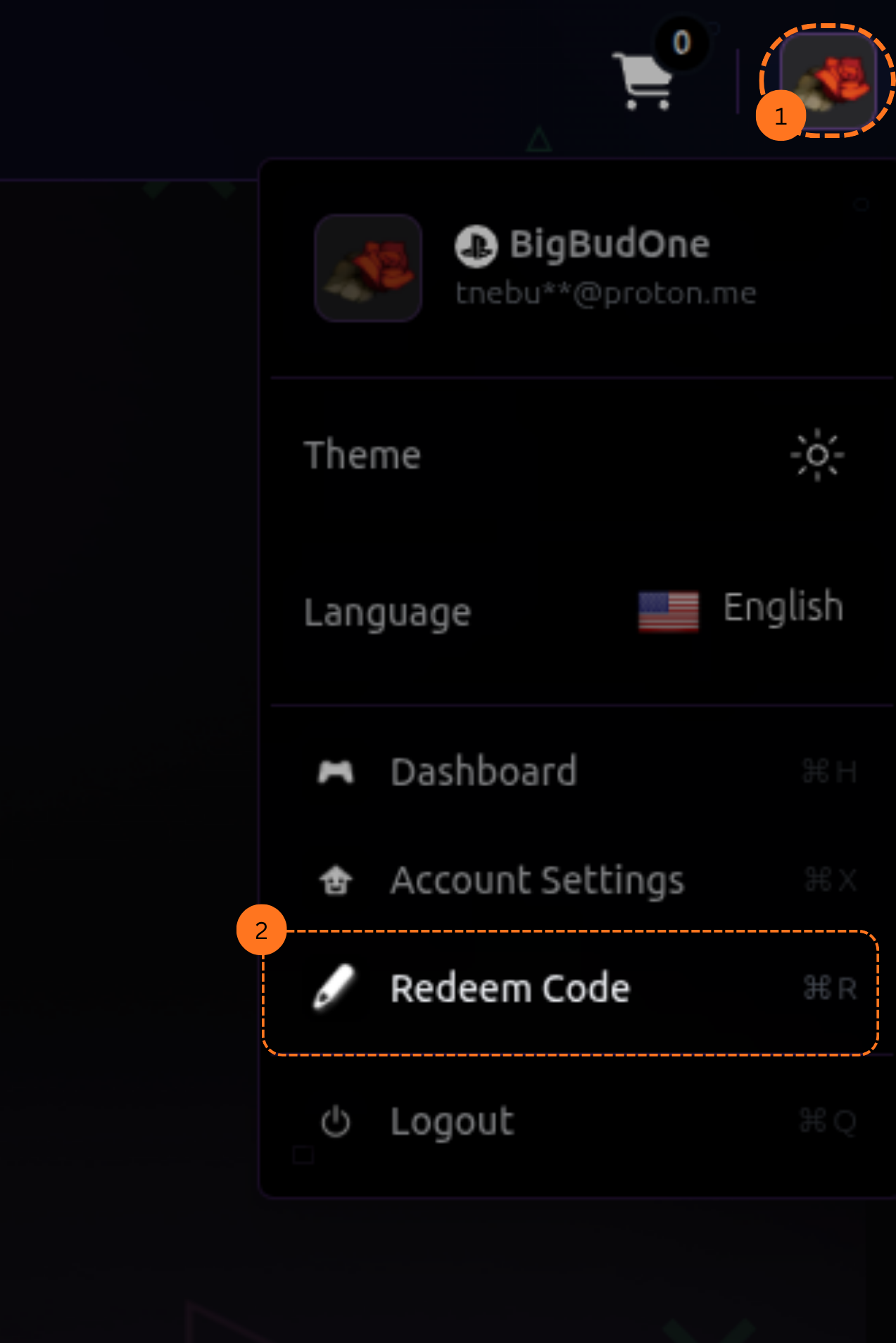
- Go to the PSNTools website. On the main page, look at the top right corner and click on your profile picture.
- From the dropdown menu, click on Redeem Code.
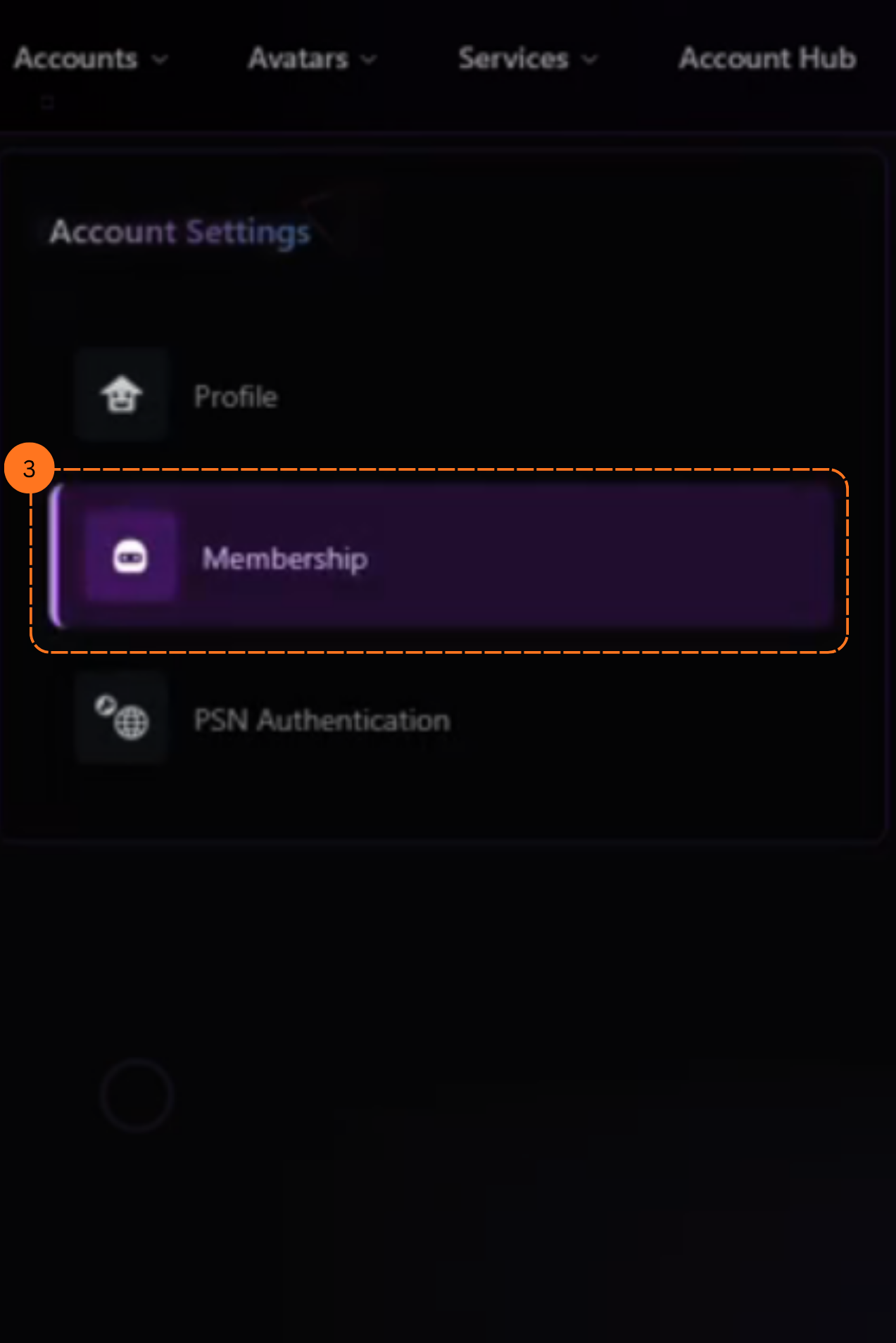
- Go to your account settings and click on the Membership tab.
- Scroll down until you see Manage Subscription.
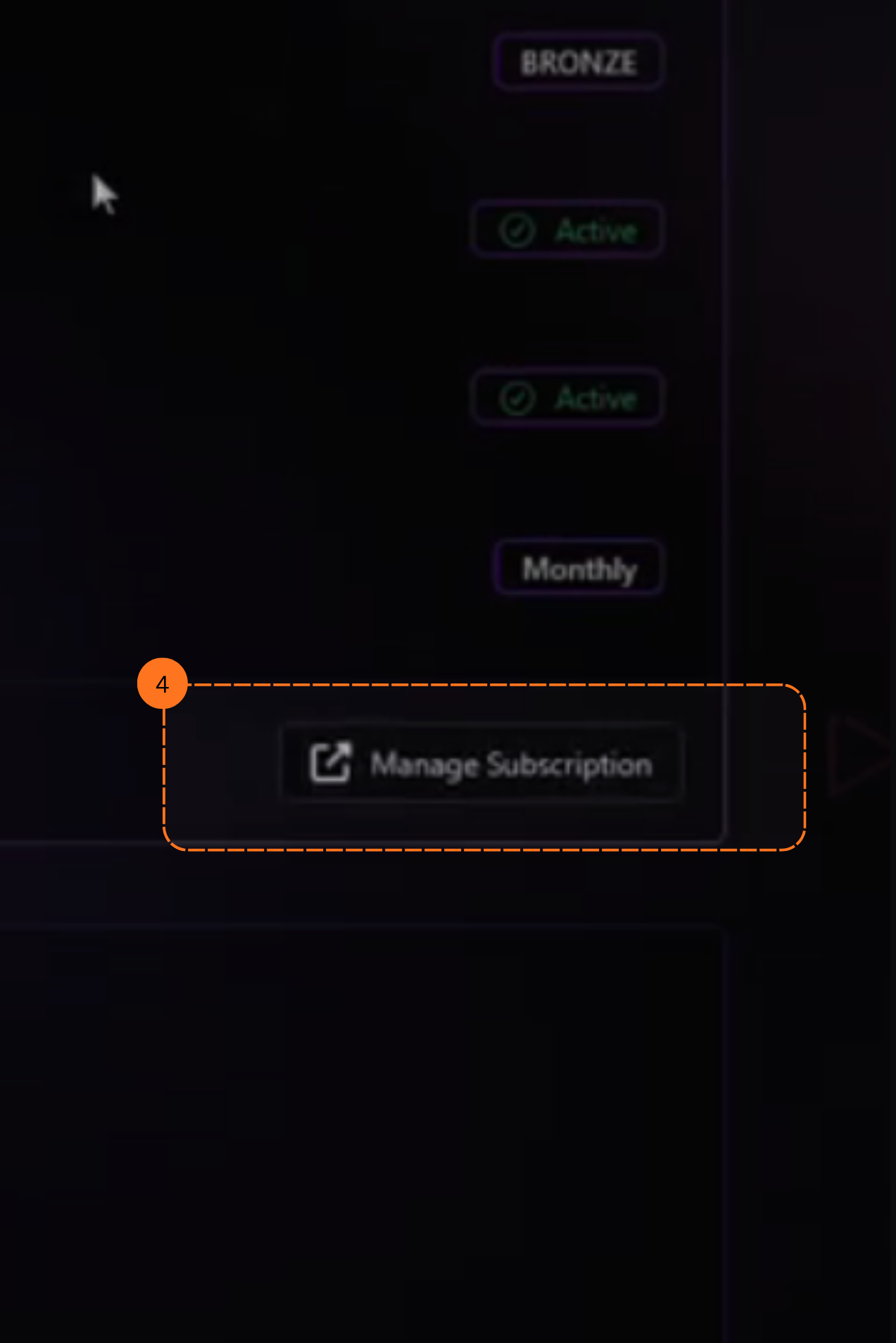
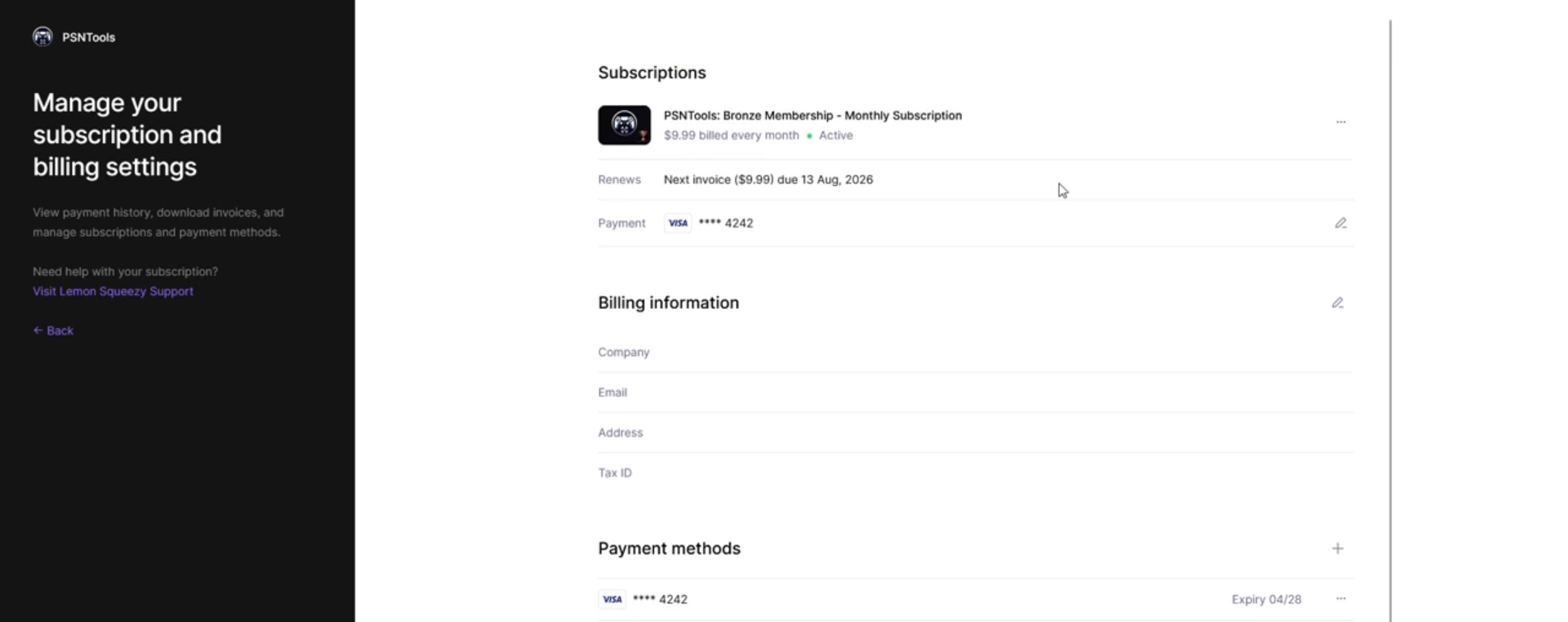
- Click on it. You will see a page where you can manage your subscription and billing settings.
Canceling Your Subscription
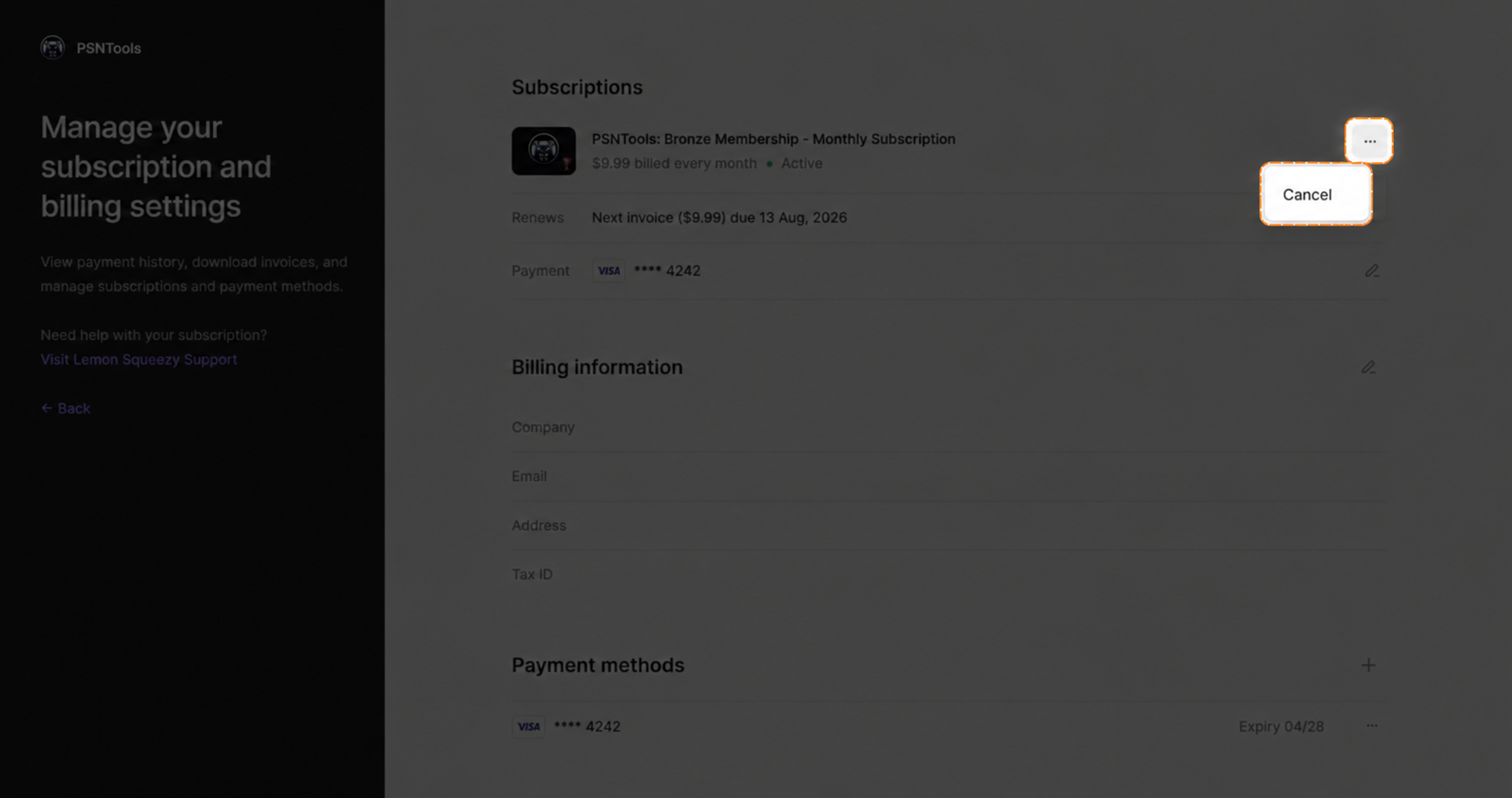
To cancel your subscription, click on the three dots and then click Cancel.
This post is licensed under CC BY 4.0 by the author.