How to Use PSNTools Avatar Activator
Step-by-step guide on using PSNTools Avatar Activator to browse, activate, and verify PlayStation avatars on your account.
Make sure your NPSSO cookie is fresh before using PSNTools. Sign out of PSN and sign back in if needed. NPSSO guide here.
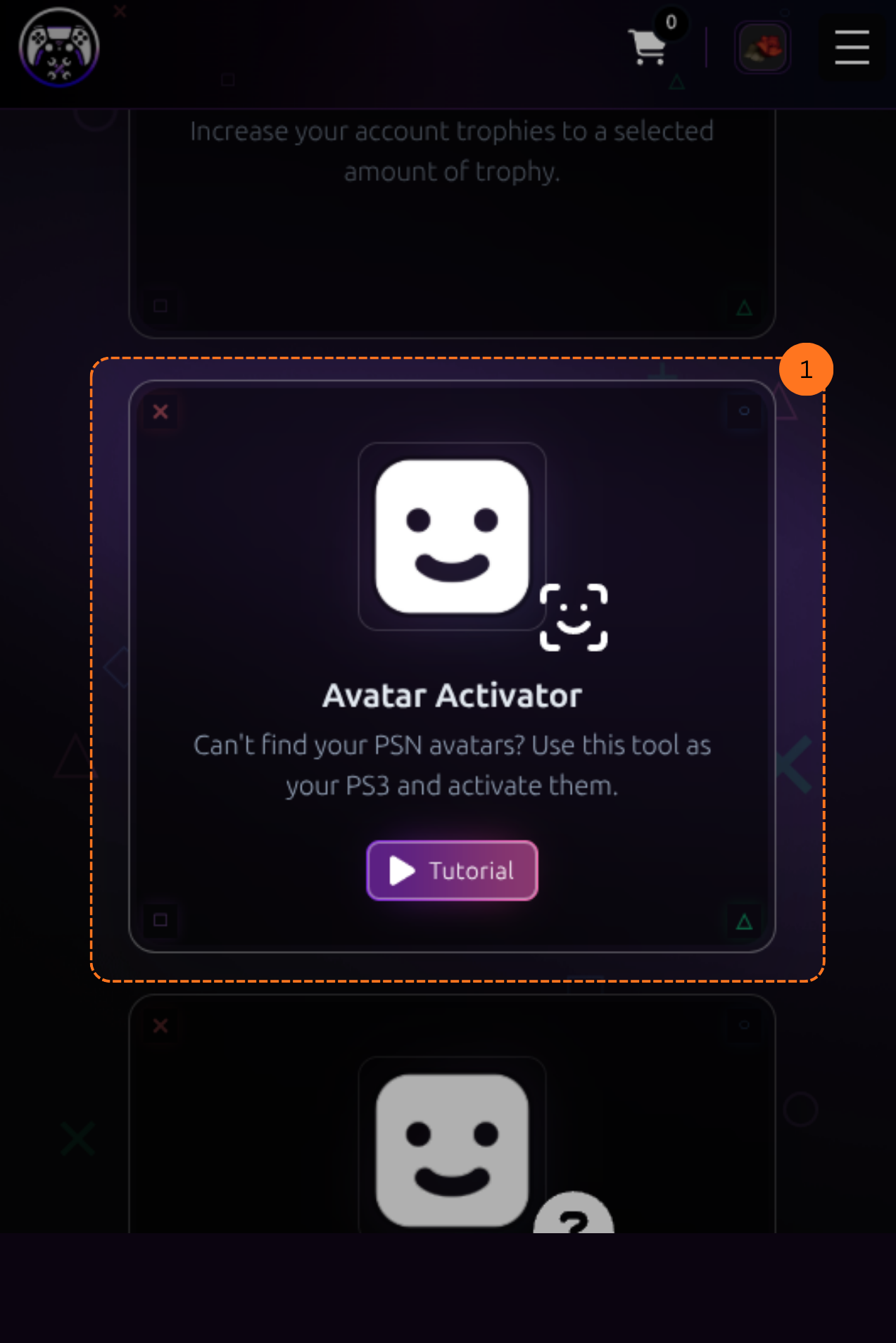
Step 1: Go to Avatar Activator
Head over to the Avatar Activator page. Or find the Avatar Activator section and click it. This will take you to the activator page.
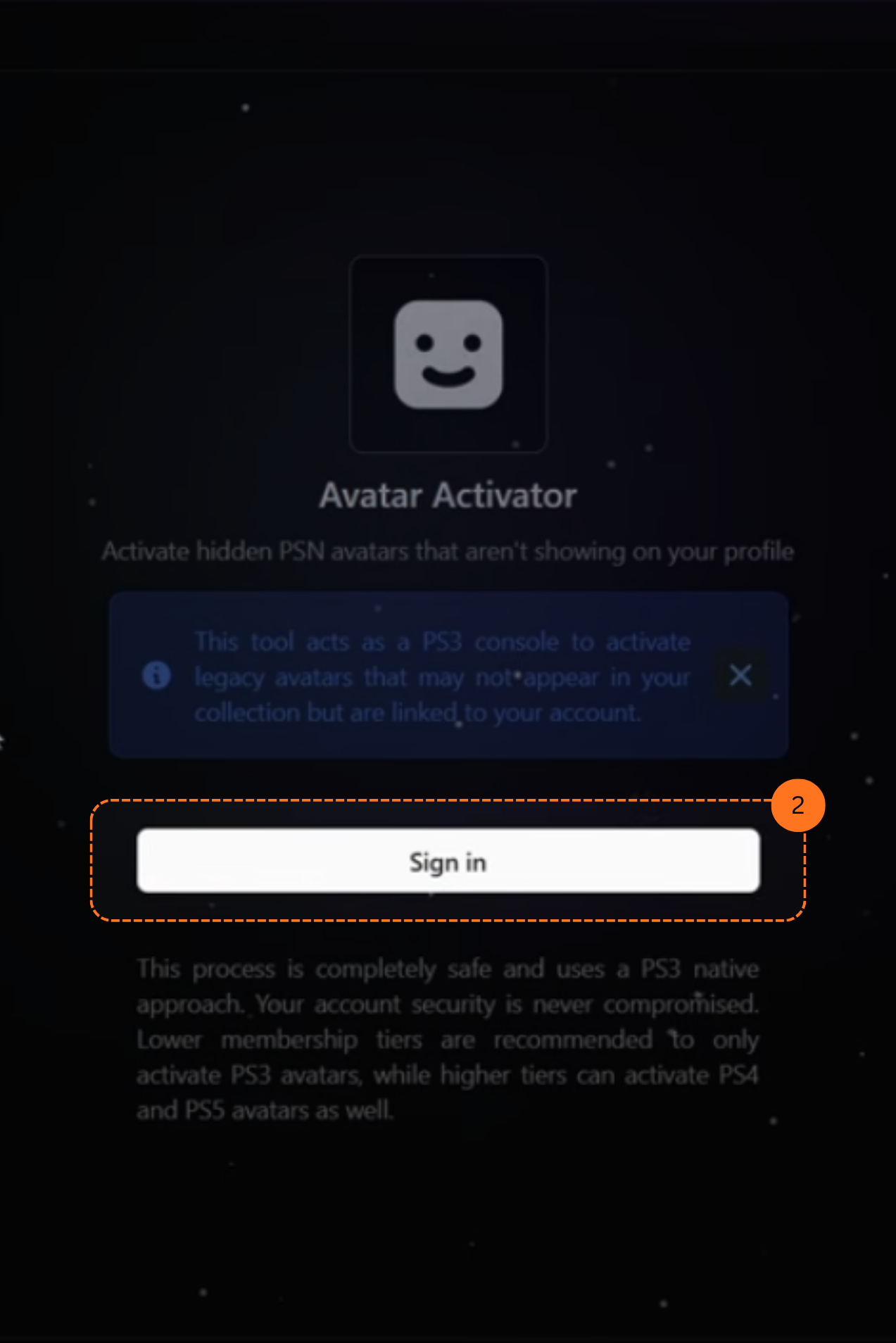
Step 2: Sign In
On the activator page, click Sign In.
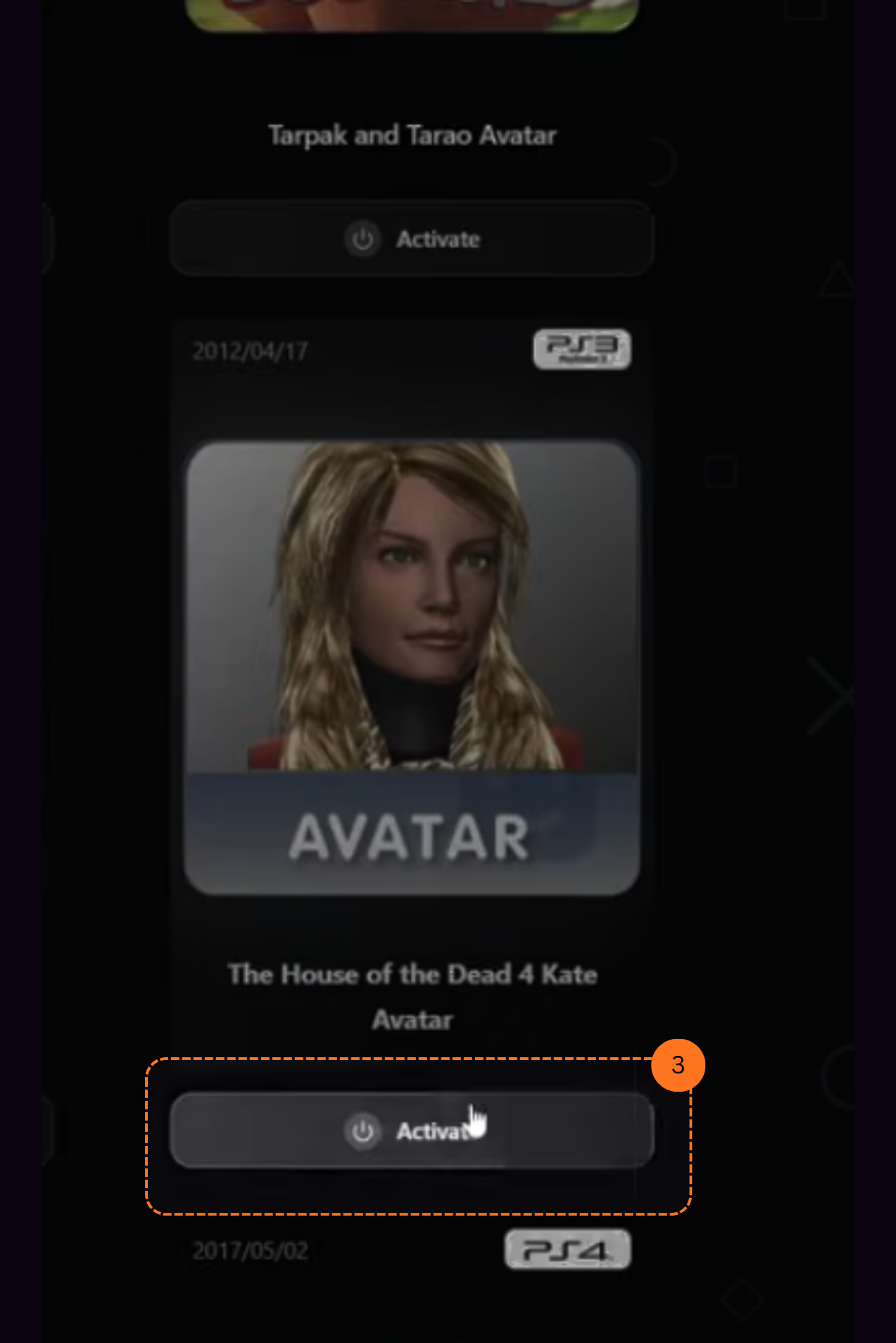
Step 3: Choose an Avatar
You will see a catalog of avatars to choose from. Pick the one you want to activate on your account. Then Click Activate.
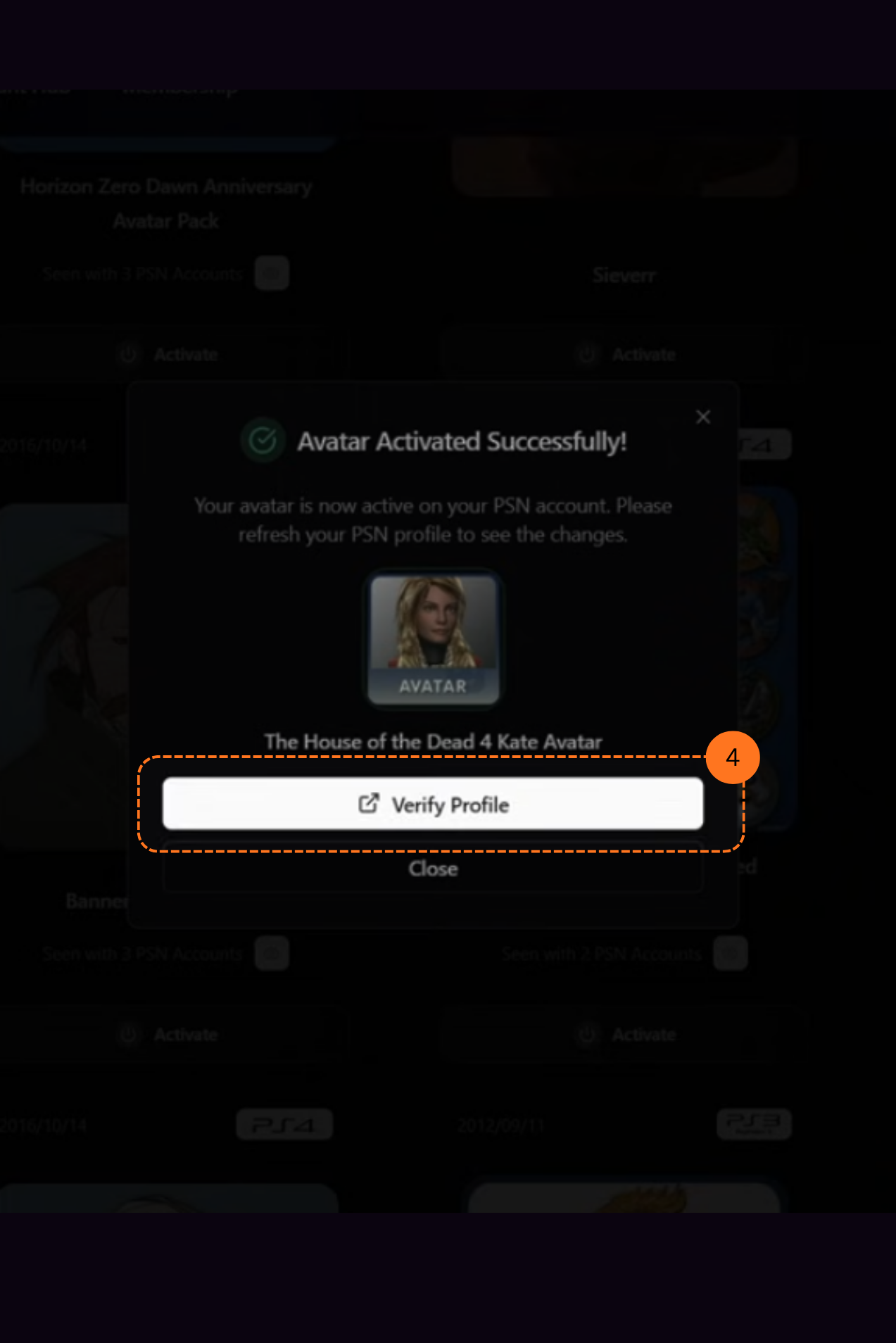
Step 4: Avatar Activated
A pop-up will appear saying Avatar activated successfully. In the same pop-up, click the Verify Profile button.
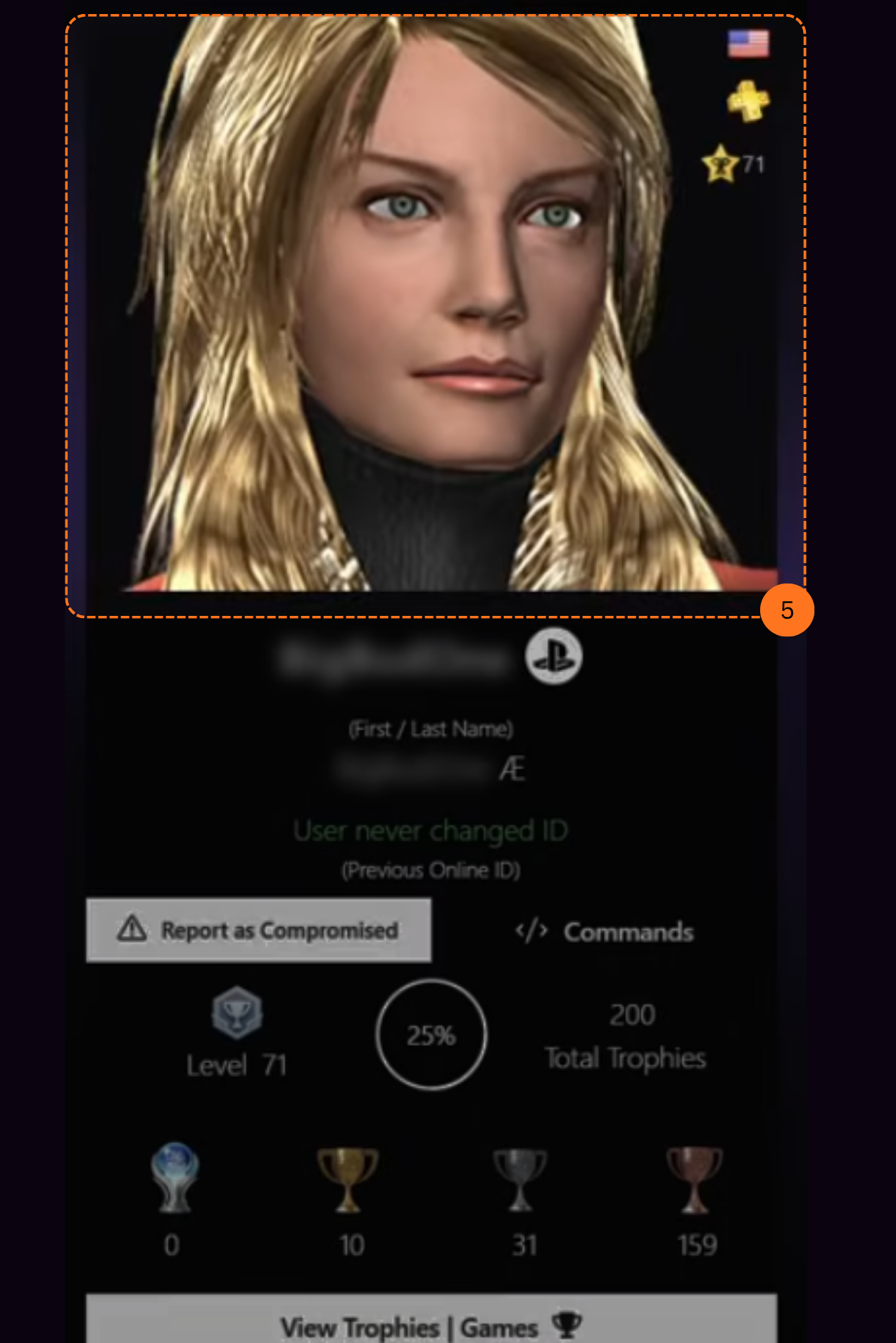
Step 5: View Your Profile
After clicking verify, you can see your account information & the avatar you just activated.
If you don’t have a PSNTools account yet, check out the guide on how to create one.