How to Change Your PSNTools Password
Step-by-step guide on how to reset and change your PSNTools account password using the forgot password feature.
How to Change Your PSNTools Password
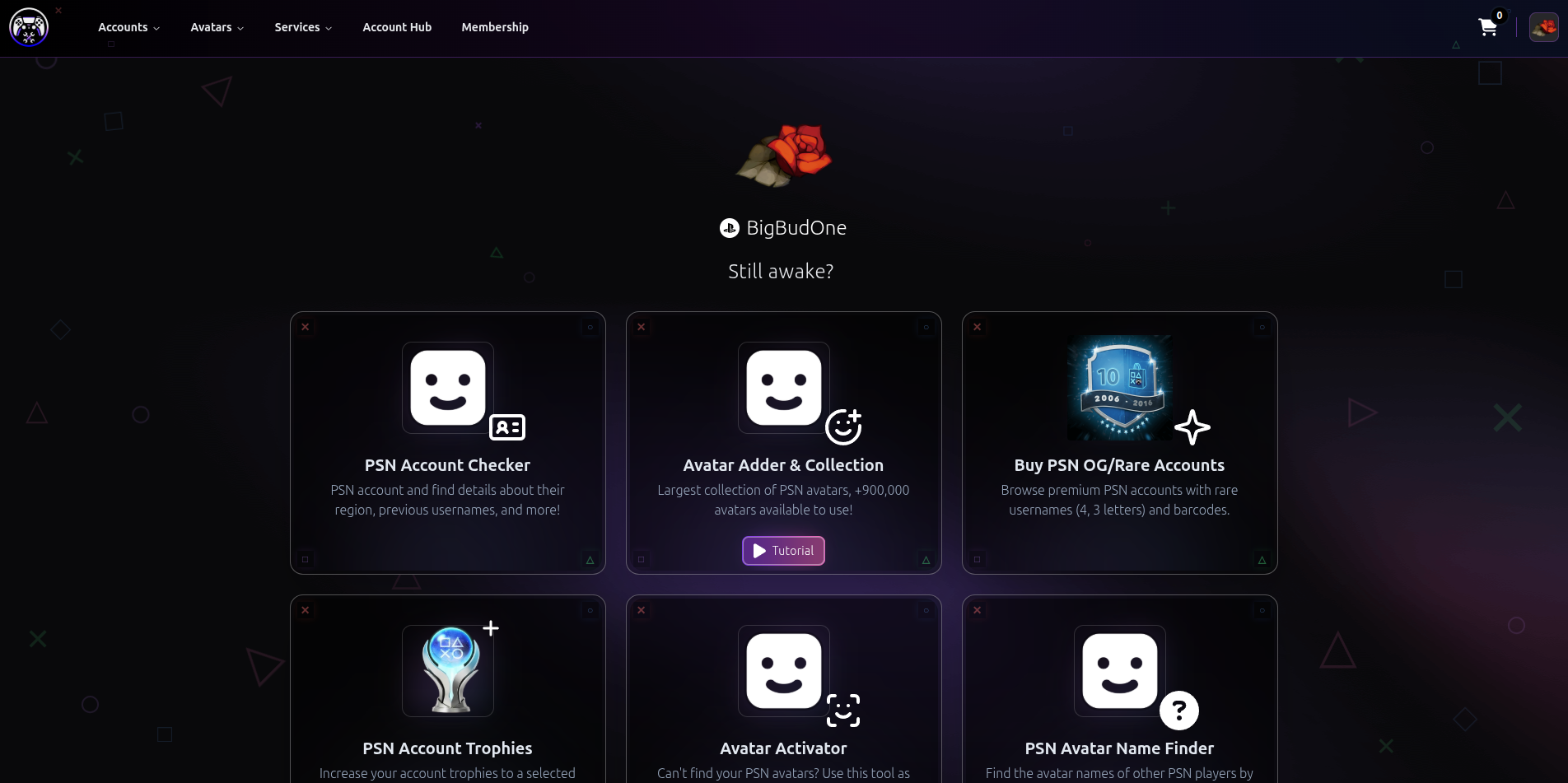
Step 1: Go to PSNTools
Head over to the PSNTools homepage.
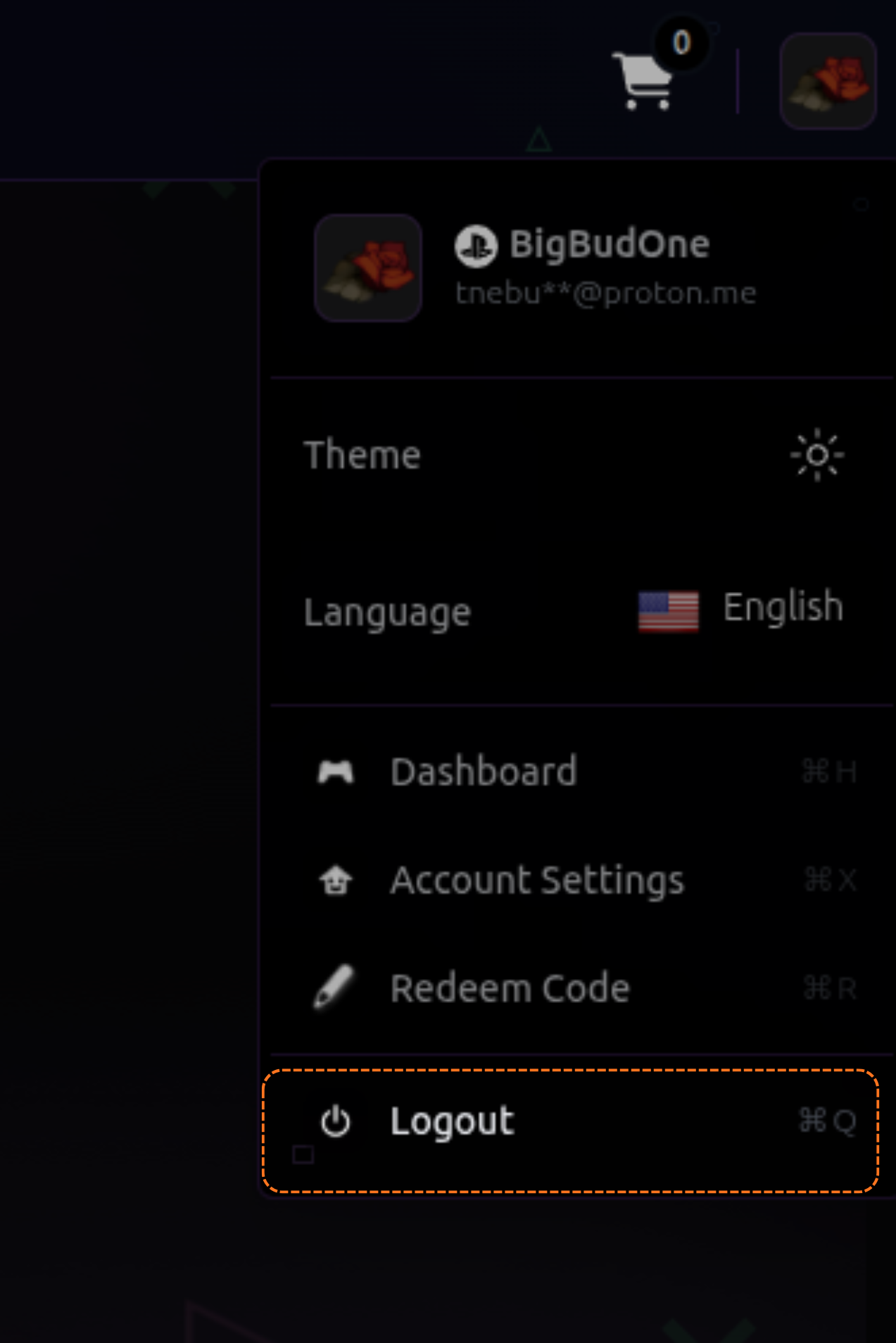
Step 2: Log Out of Your Account
Click on your PSN avatar in the top right corner, then click Log Out.
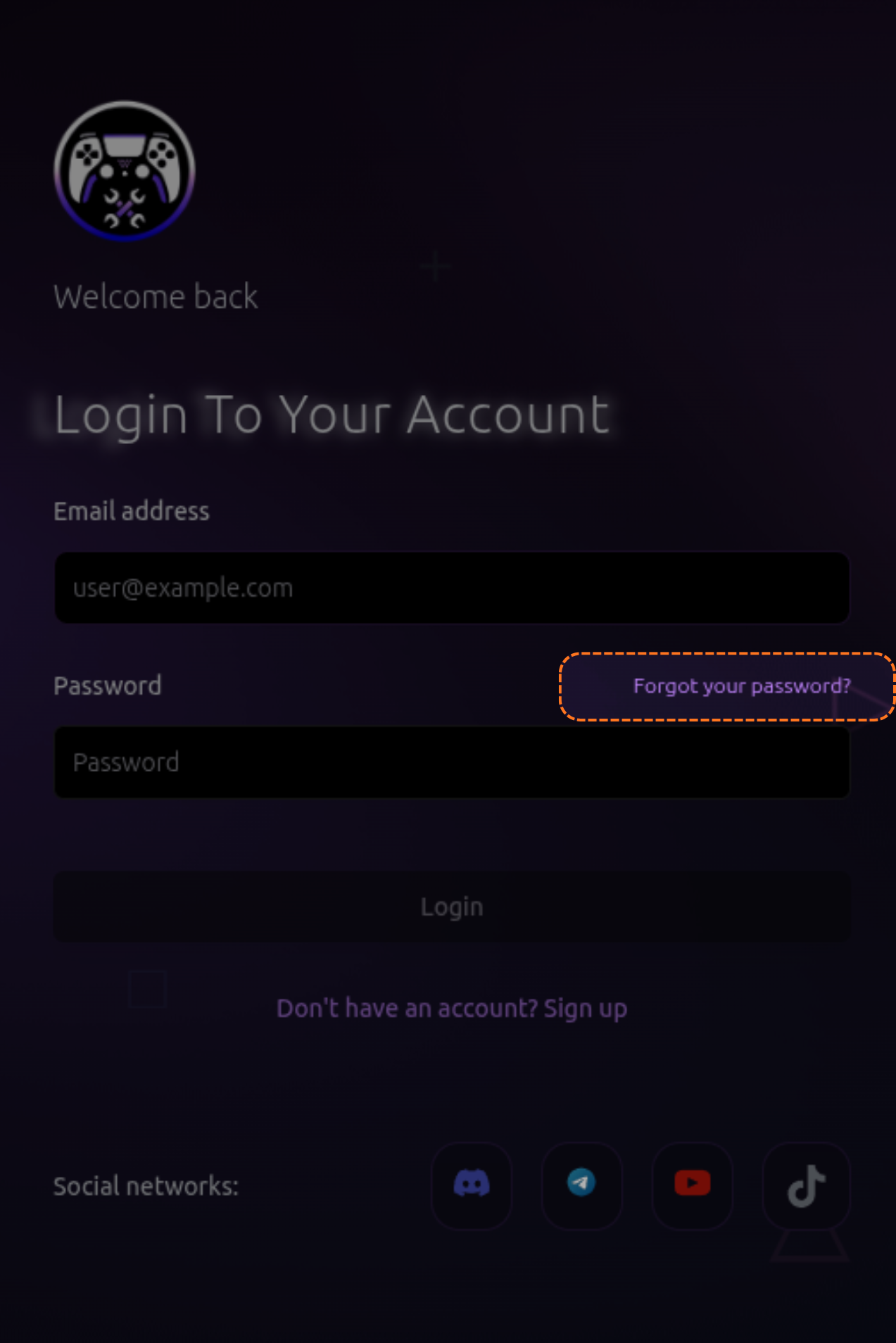
Step 3: Click Forgot Your Password
Go to the login page and click the Forgot your password? link.
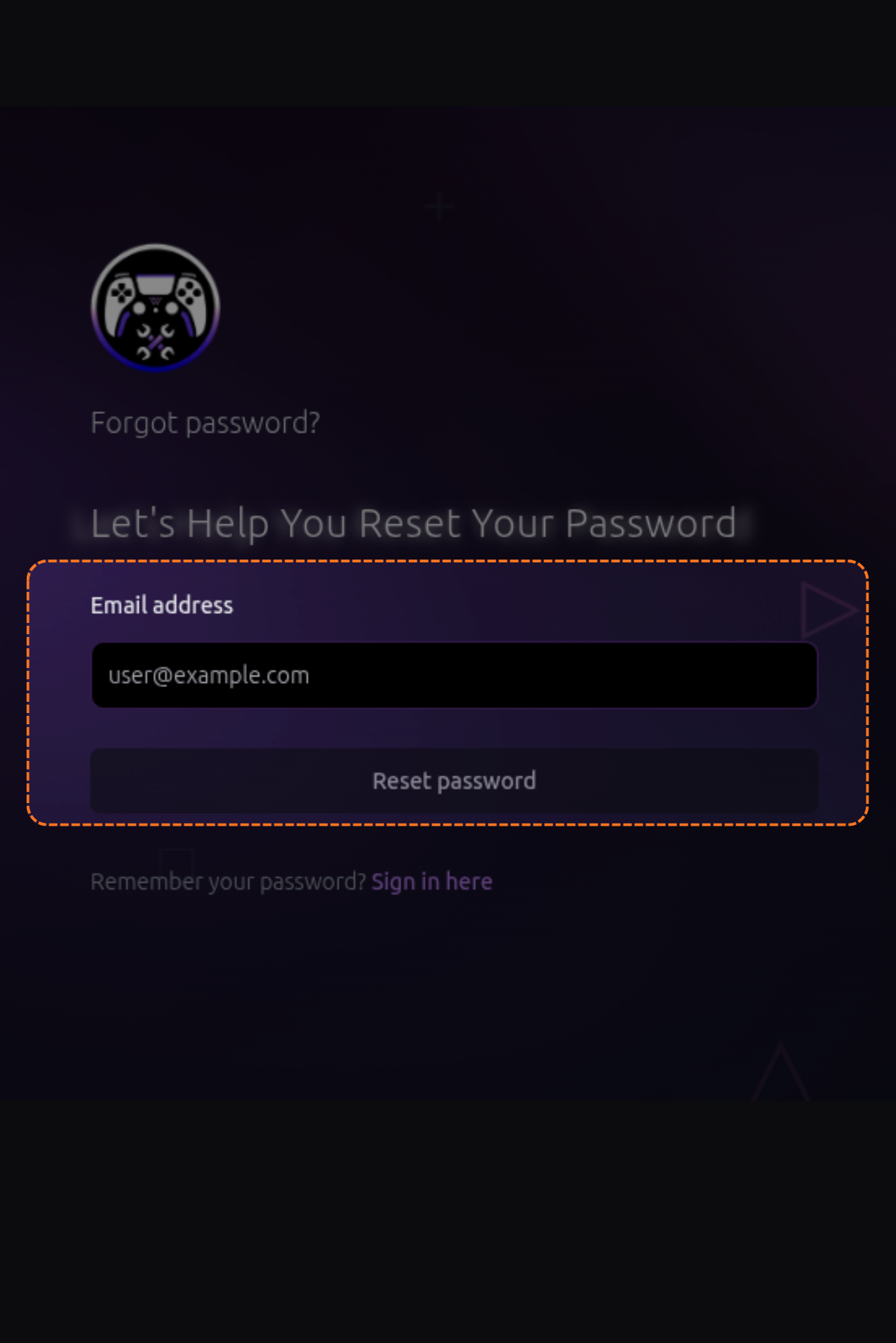
Step 4: Enter Your Email
Enter the email address associated with your PSNTools account and submit.
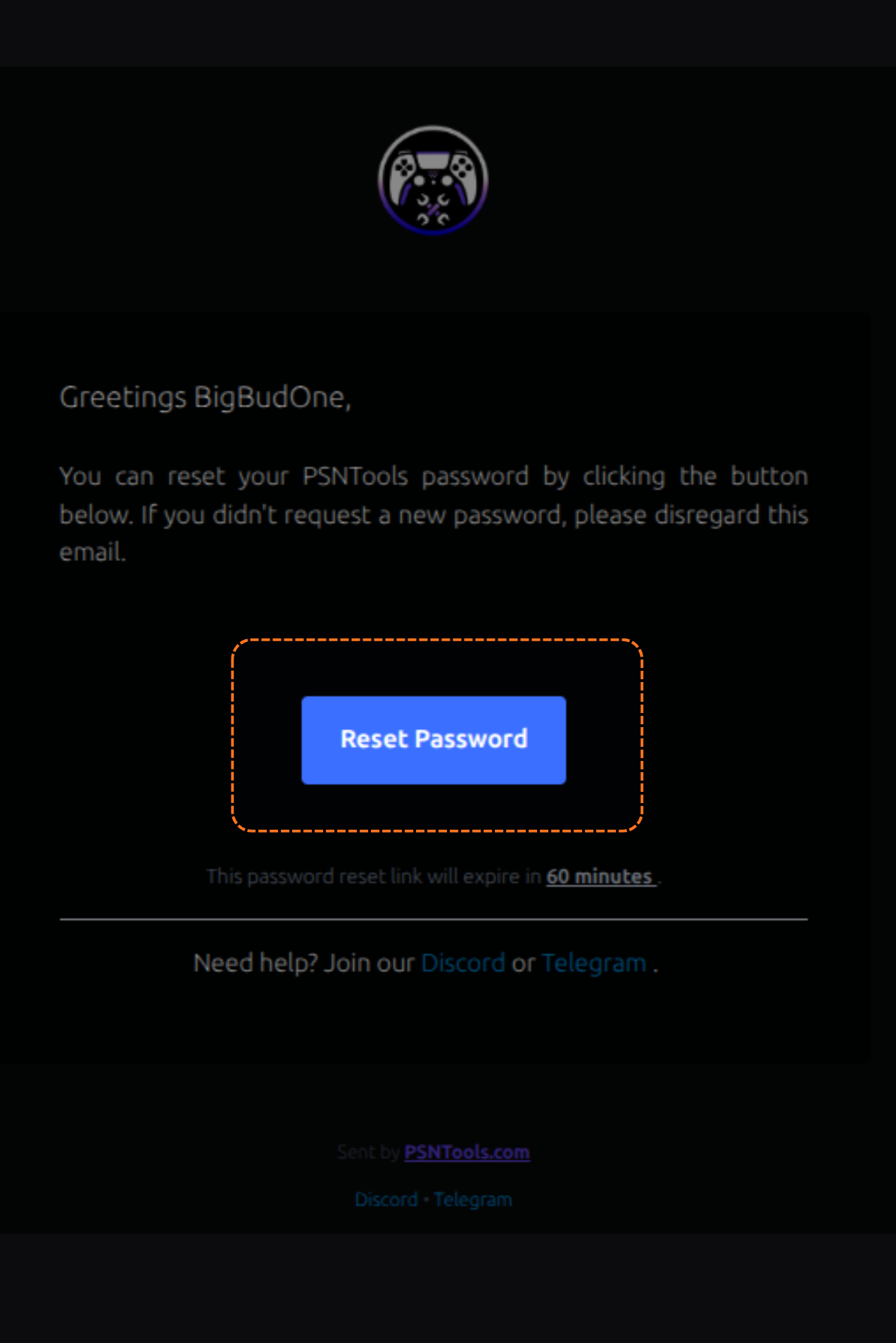
Step 5: Check Your Email
You will receive a password reset email. Open it and click the Reset Password.
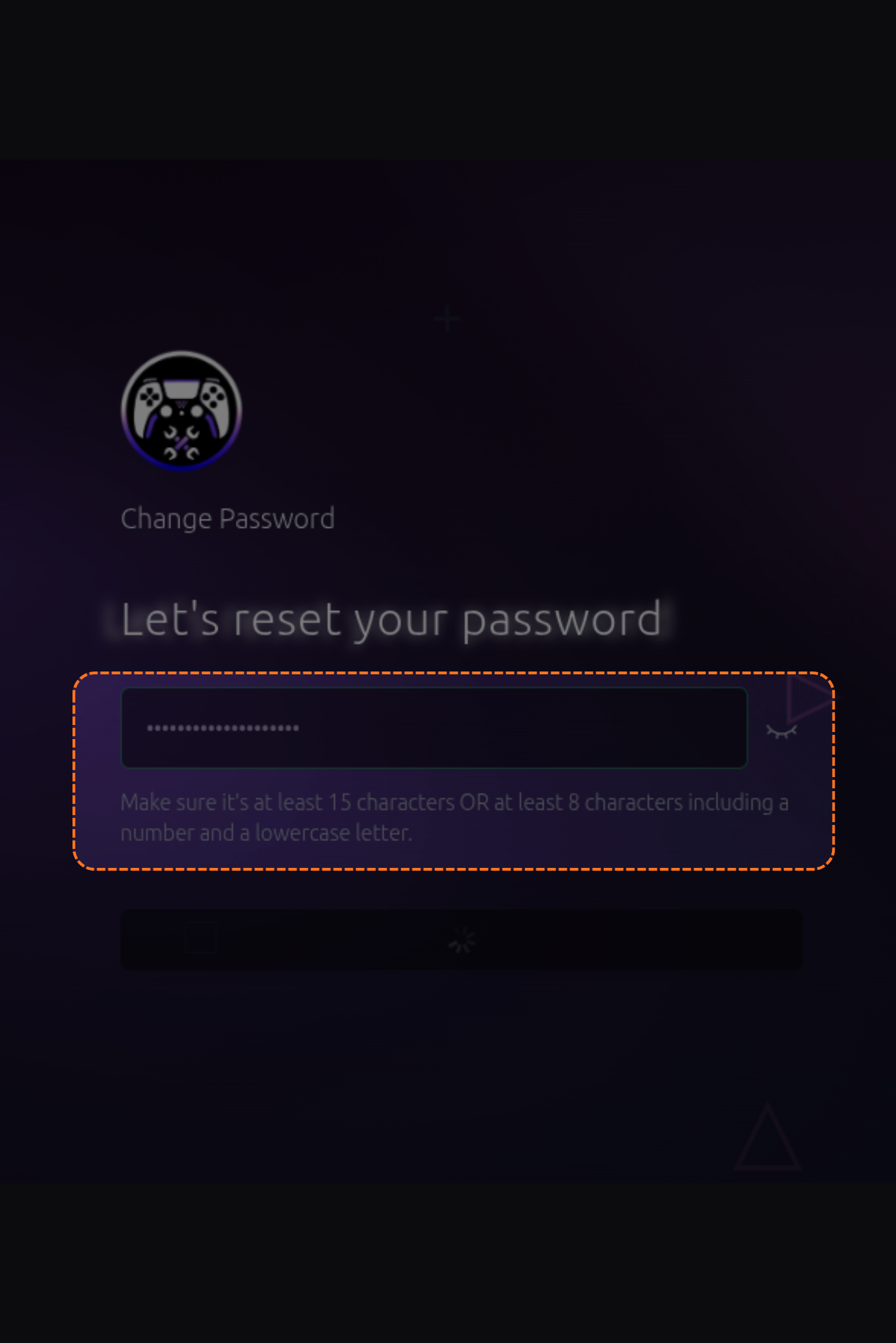
Step 6: Set Your New Password
Write your new password, confirm it, and you’re done.
If you don’t have a PSNTools account yet, check out the guide on how to create one.
This post is licensed under CC BY 4.0 by the author.